
DonUp · Help
Why Keep a Budget? Getting Started with Money Management and DonUp
A budget isn’t homework about cutting back. It’s a way to see where your money goes and what’s coming up next. Starting with a simple habit of logging each expense in one line is enough.
· DonUp
If your budget keeps slipping, it isn’t a lack of willpower
Many people stop budgeting after a few days. Saving receipts to sort out later takes time, and after missing a day or two it feels harder to start again.
So at first, logging easily matters more than logging perfectly. If you miss a day, just start again today. The more you record, the more you can see.
Three things a budget shows you
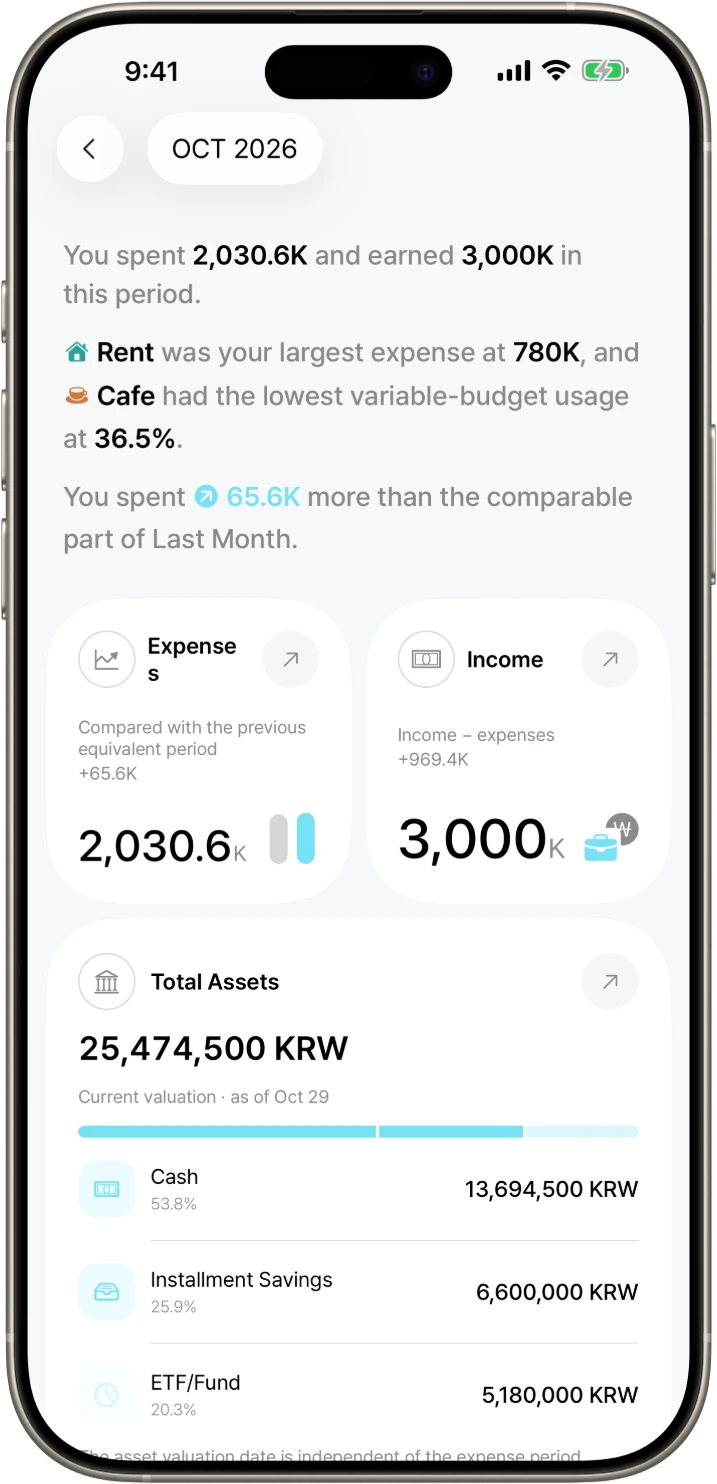
First, your spending patterns. Knowing which categories take the most money lets you decide where to cut and what to keep. Second, the recurring expenses ahead. When you know about rent, phone bills, and subscriptions in advance, you can prepare before they’re charged.
Third, shared living costs become clear. If you split costs with family or a partner, looking at the same records means less guessing about who paid for what.
What should you check in a budget app recommendation?
Start with entry methods, free limits, shared spending features and control over your data. For your first paycheck, look for quick entries and a view of upcoming recurring expenses. For couples, check whether household expenses can be shared while personal spending stays separate.
DonUp offers manual entry and optional AI entry. Entries, budgets, statistics and account sync are free. Automatic logging from payment messages and Apple Pay, and asset management, are Pro features. Compare the methods you need rather than assuming you need every feature.
Three steps for starting your first job
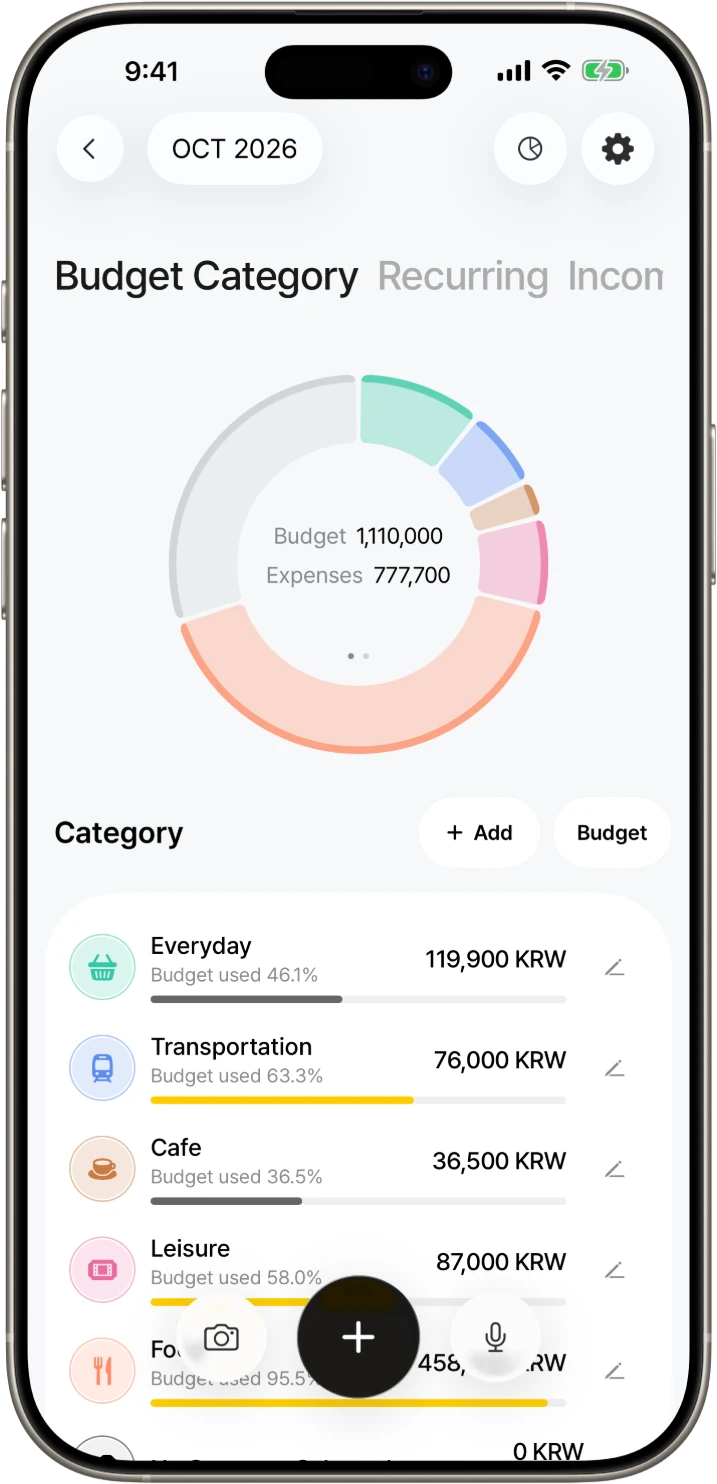
Step 1: for the first two weeks, log each expense in one line as you spend. In DonUp you can enter it yourself, or, if you’ve allowed “AI data use,” type or say something like “Lunch 12,000 won.” Step 2: add the money that leaves every month, such as rent, phone bills, and subscriptions, as Recurring Expenses. Step 3: look at your records and set a Budget for the categories you use most, such as food.
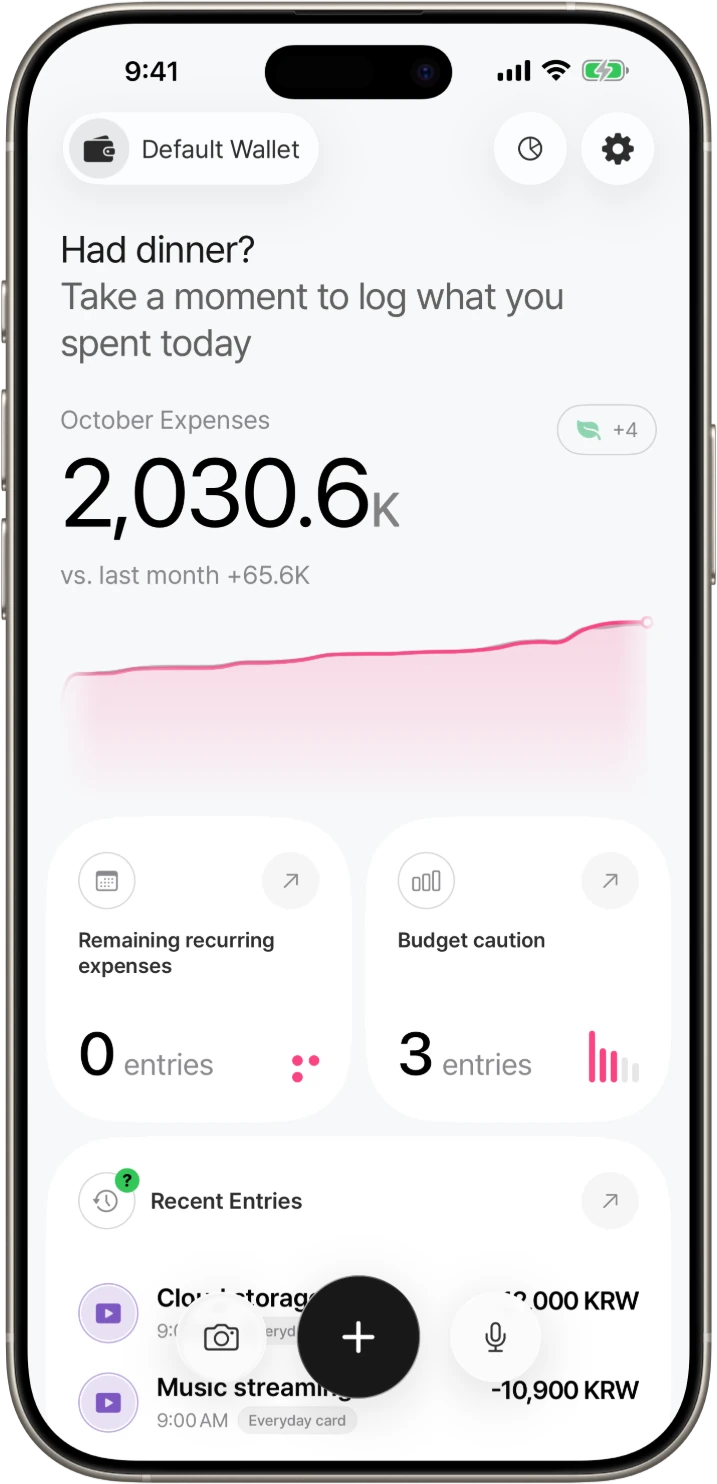
Your budget doesn’t need to be tight from day one. Home shows this month’s spending, remaining recurring expenses, and budget warnings first, so you can adjust after living with it for a month.
For couples: keep personal wallets and a shared ledger separate
DonUp lets you use personal wallets and shared ledgers separately. Record personal spending money in your own wallet and shared living costs in a shared ledger, so you don’t have to show every personal expense.
Members of a shared ledger can view and edit its existing Entries, Budget, and Assets, so decide what you’ll share before inviting someone. On the free plan you can create one more personal or shared wallet besides the default wallet, and asset management requires Pro in both personal and shared wallets.
AI entry and DonWorry are optional
AI features work only when “AI data use” is allowed. Without it, you can still enter items yourself and use Budget, Recurring Expenses, Statistics, and other basic features. You can withdraw permission at any time.
The free plan includes text and voice AI entry, photo and camera AI entry once a day combined, and DonWorry—which answers questions based on your records—3 times a day. DonUp Pro removes the photo AI entry limit, raises DonWorry to 20 times a day, and adds automatic logging from payment messages and Apple Pay, as well as asset management.
Where can I use DonUp?
DonUp is available on the App Store for iPhone with iOS 26.0 or later and iPad with iPadOS 26.0 or later. Sign in with the same Account to keep your records when you change devices; account sync and automatic backup are free. An Android version is in preparation.
This is an official guide written by the developer of DonUp. Features and the Free/Pro scope are as of the publication date; check the app and the App Store for the latest terms and prices.
Frequently asked questions
Do I have to update my budget every day?
No. It’s fine to miss a day. Logging right after you spend is the easiest habit, and if you add monthly payments as Recurring Expenses, Home shows the remaining ones in advance.
Can a couple share a budget and still keep personal spending separate?
Yes. You can record in personal wallets and a shared ledger separately. Shared ledger members can view and edit its Entries, Budget, and Assets, so decide what to share first.
Can I use DonUp without allowing AI?
Yes. You can enter items yourself and use basic features such as Budget, Recurring Expenses, and Statistics. AI entry and DonWorry work only when “AI data use” is allowed.