
Everyday entries
Less time typing.More room for a habit.
A quick line while you remember. Choose an input method that fits the way you spend.
Get started on the App Store
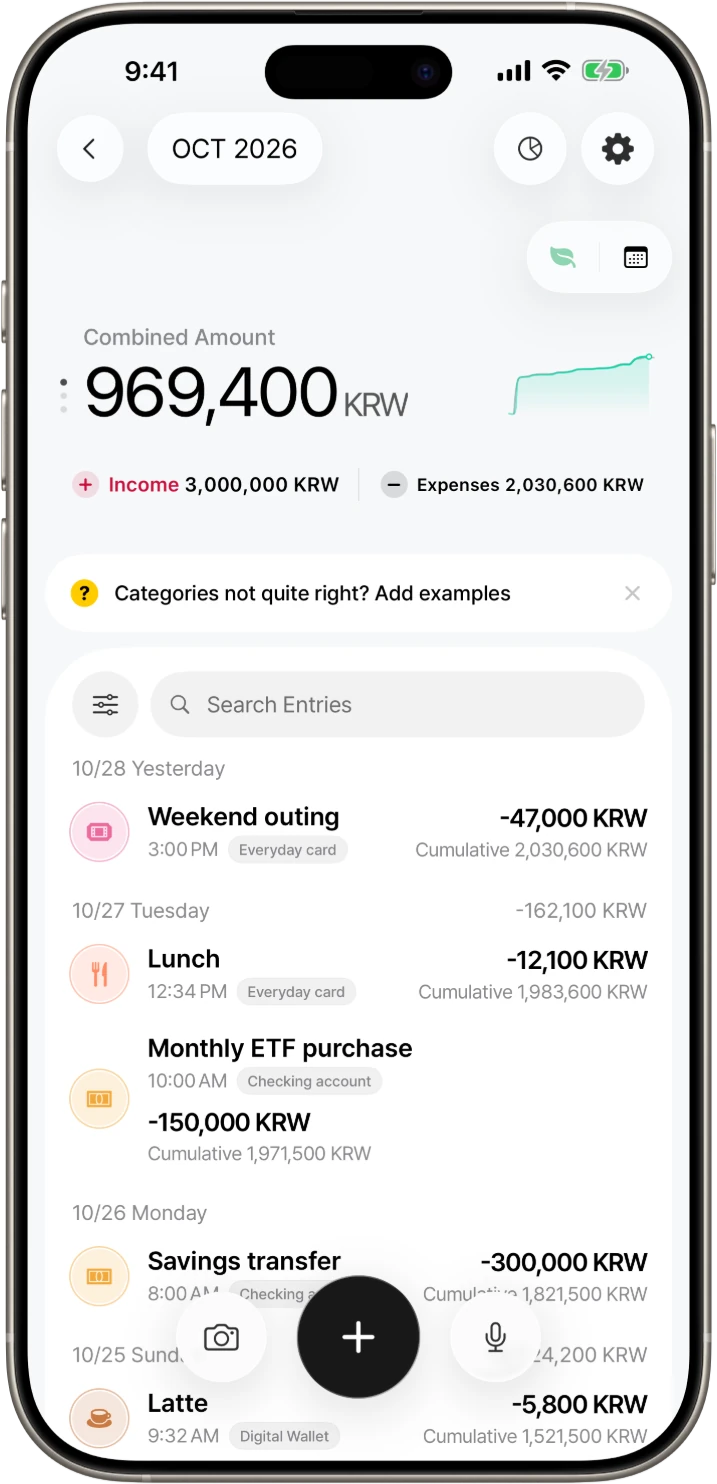
Type or speak naturally
Enter an expense as a short sentence or use your voice. Review the result before saving an entry organized by AI.
How to enter an expenseStart with a photo
AI photo input and camera input share one free use per day. Pro removes this count limit. AI features require data-use consent.
Photo input helpAutomations that fit your routine
Automatic logging from payment messages and Apple Pay is available with Pro. Card and bank notification logging requires iOS 27 or later. Payment message and notification analysis requires sign-in and AI data-use consent.
Set up Entry Automations