
Account
Switch devices,
keep your records
Sign in with Apple or Google, and your records sync to your account. Account sync and automatic backup are free.
 DonUp
Download the app
DonUp
Download the app




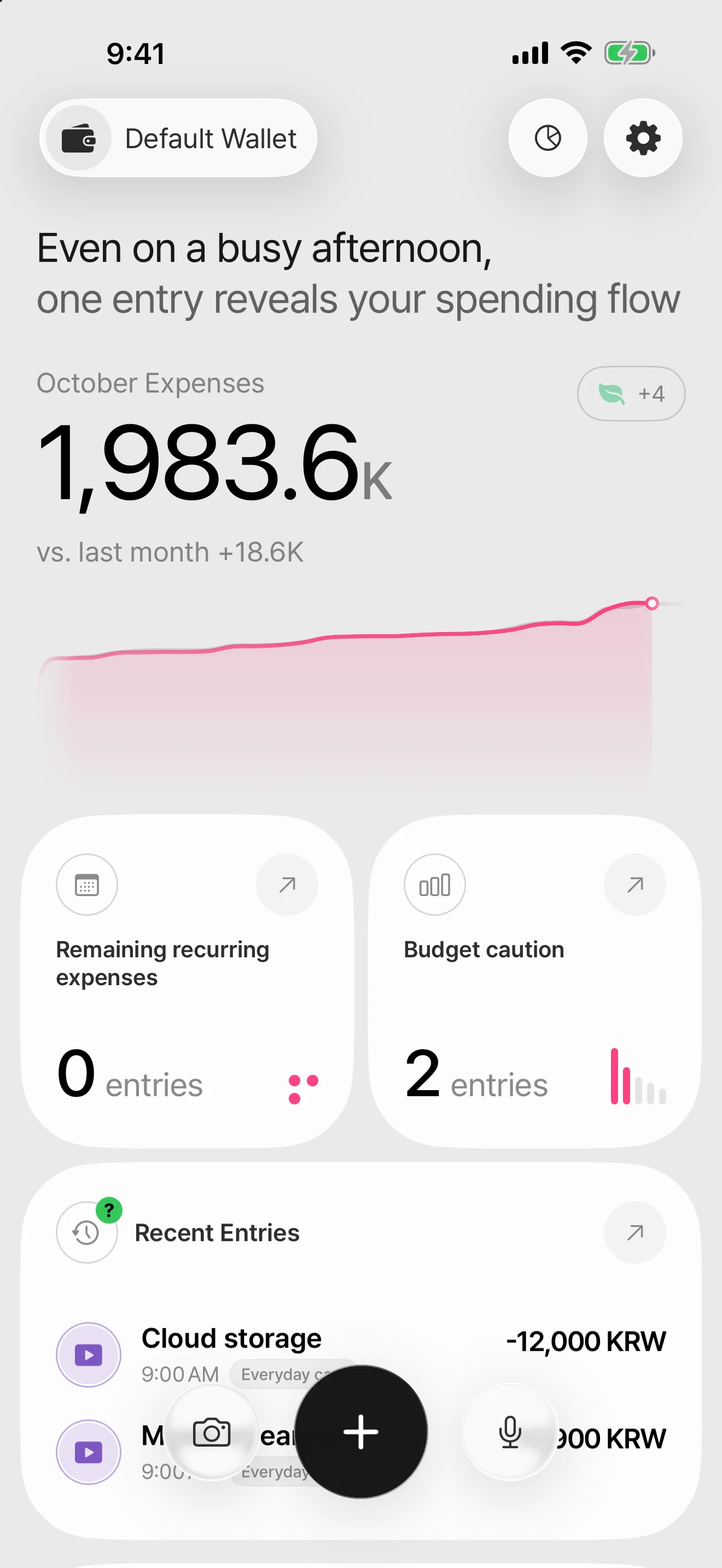
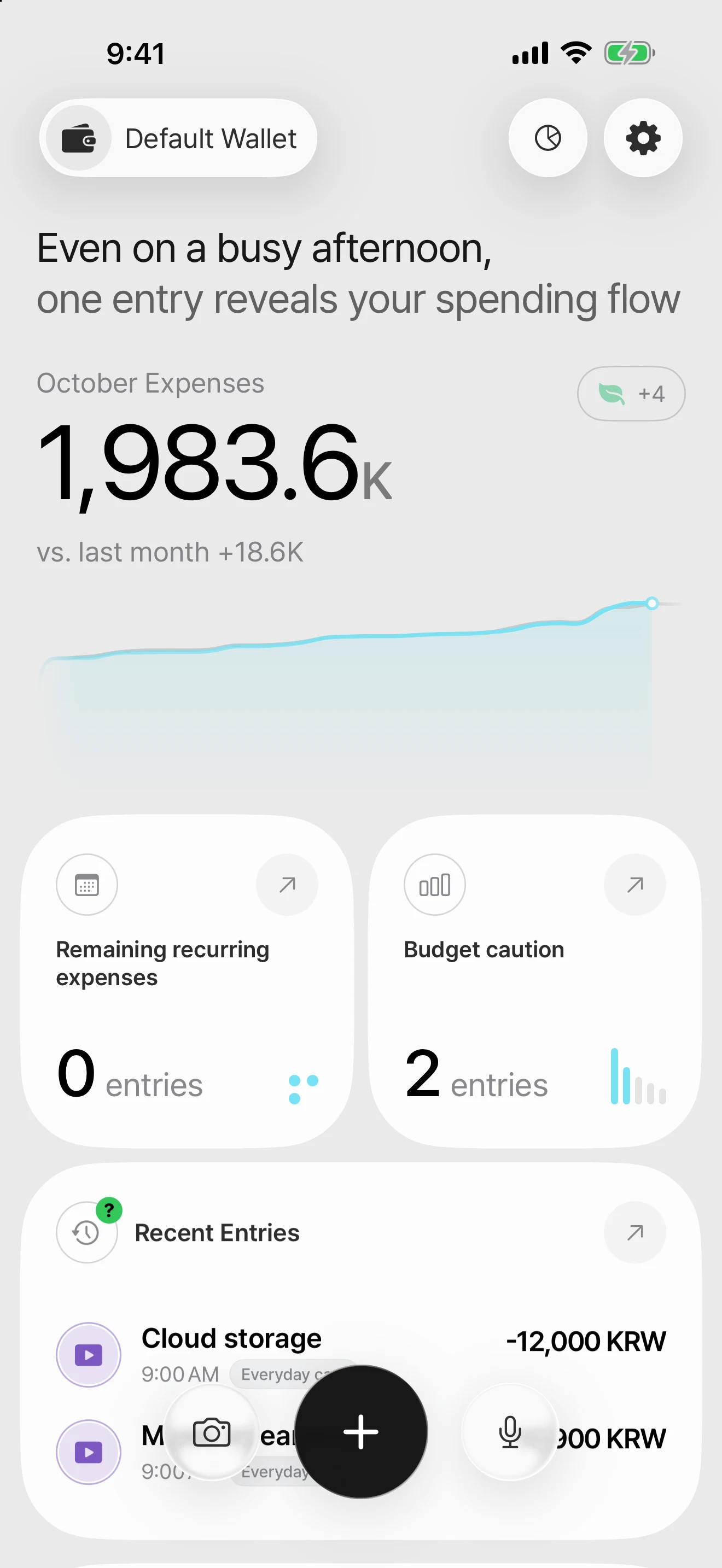
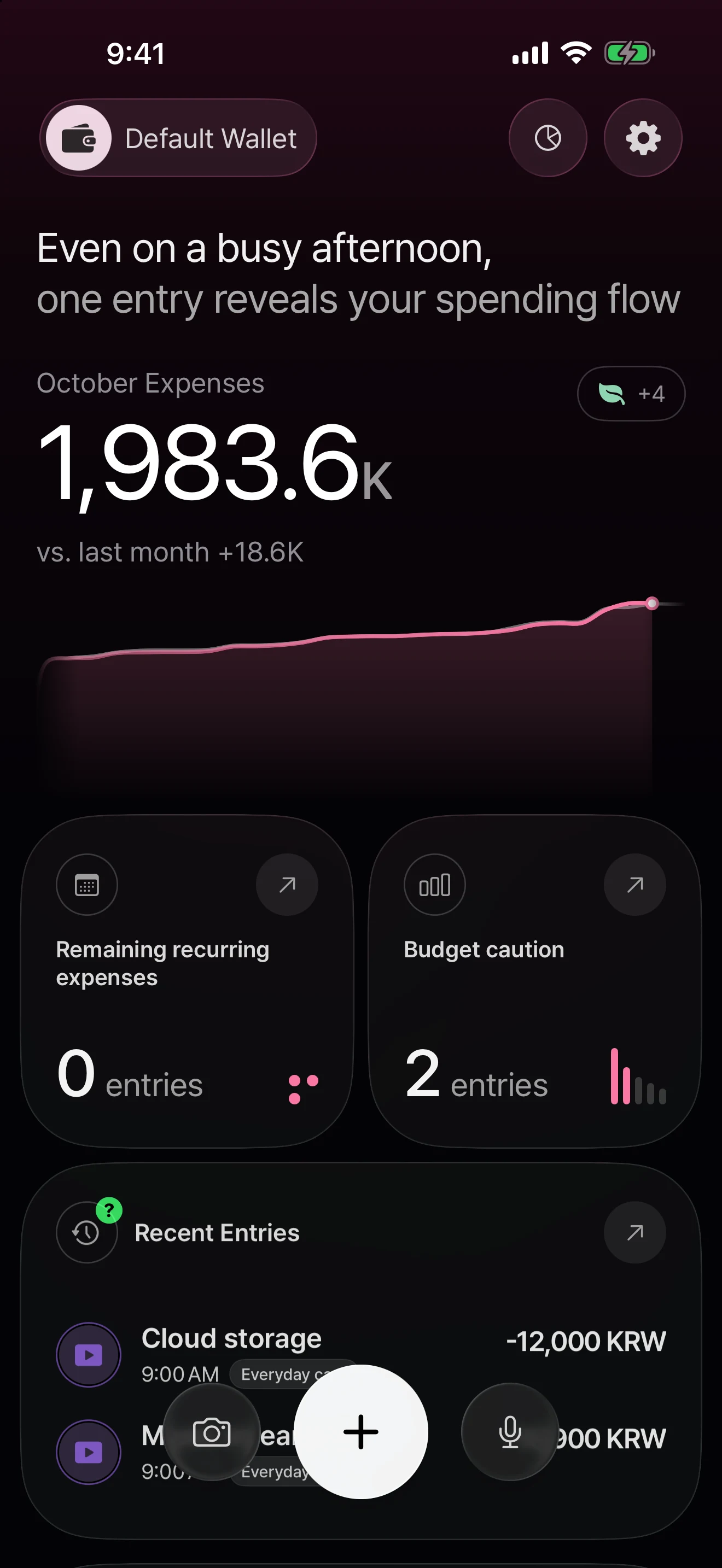
Themes
Switch between light and dark mode and a range of accent colors. Three colors are free, and Pro adds premium colors.
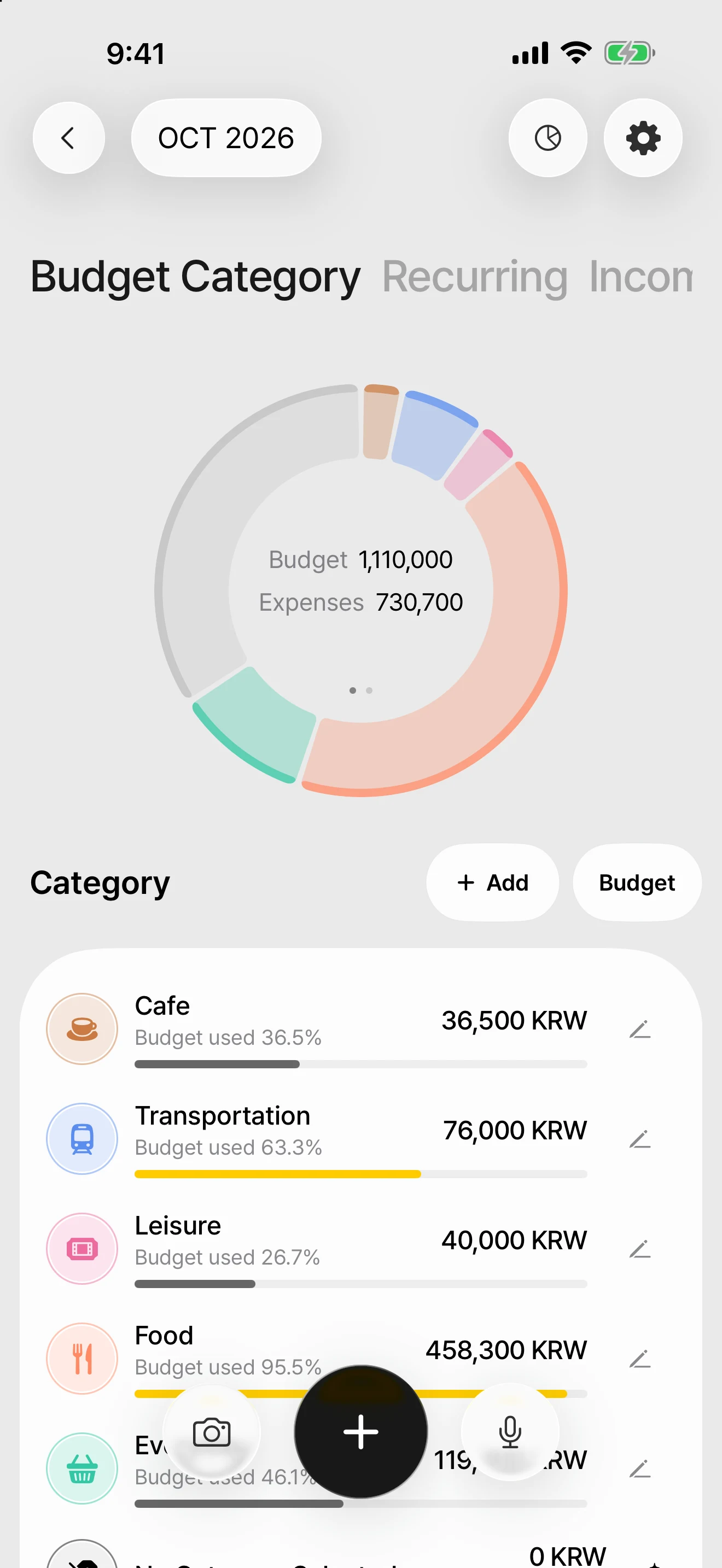
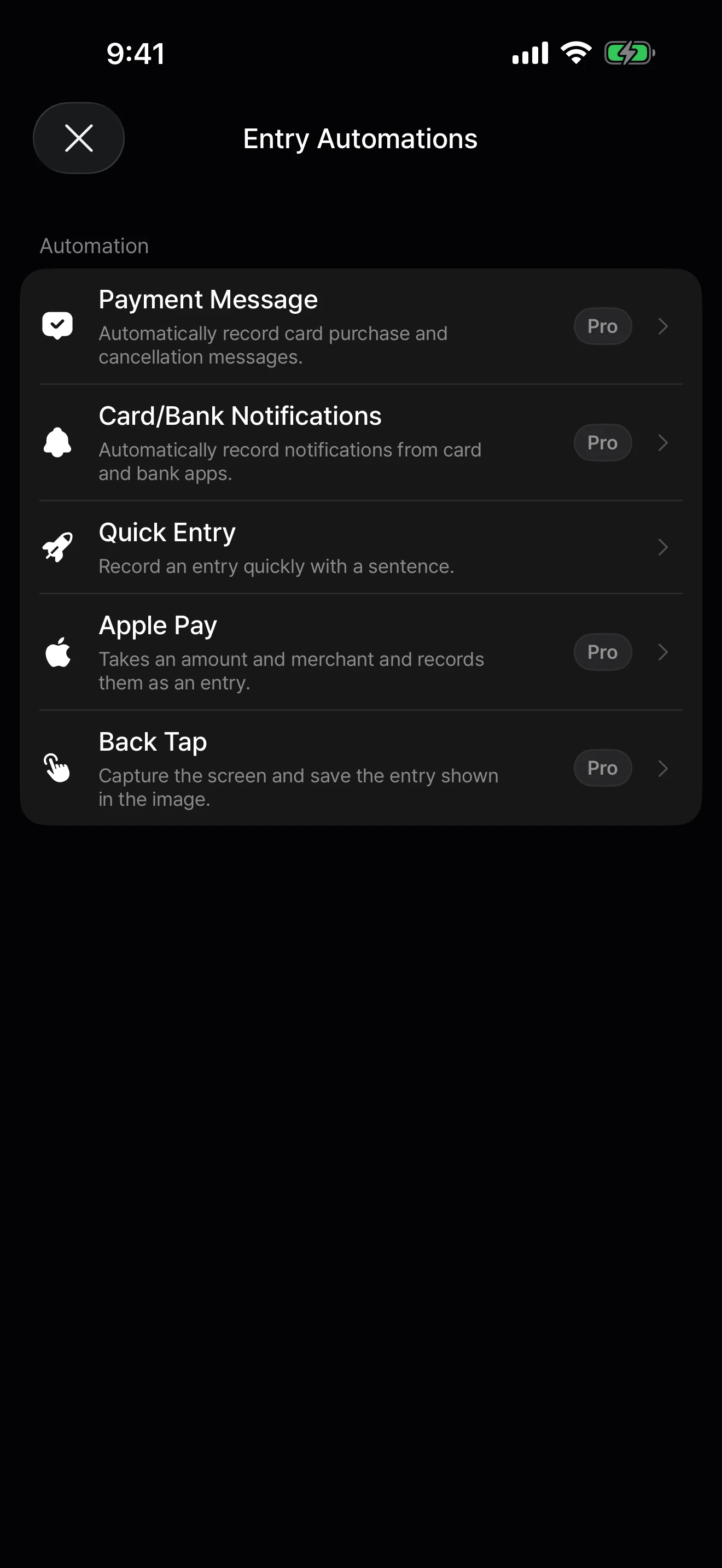
Auto entry
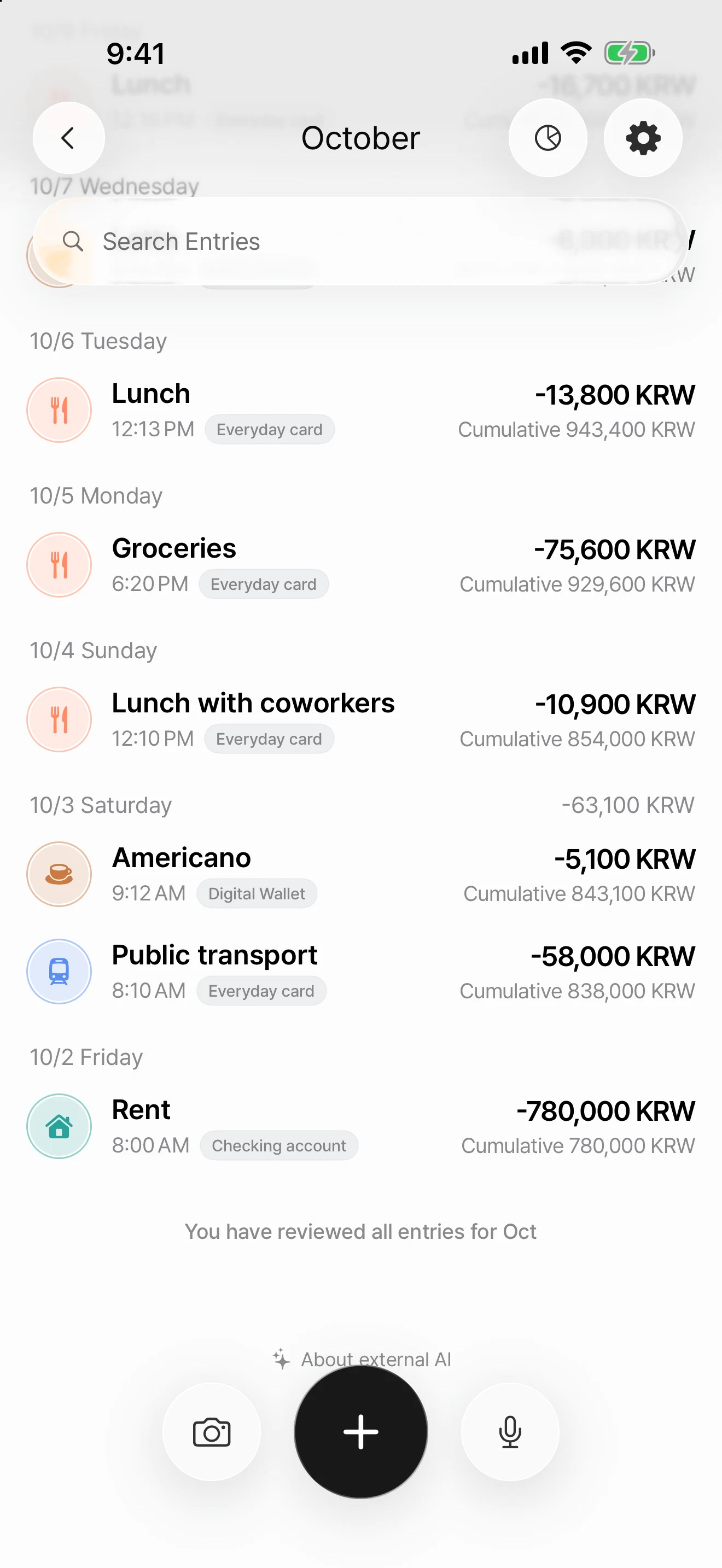
Set up a shortcut once, and you can easily log entries from supported payment messages, Apple Pay, and images.
AI entry works only after you allow “AI data use.”
AI features are optional. Even if you don’t allow them, you can still enter things manually and use all the regular budgeting features.
Account
Sign in with Apple or Google, and your records sync to your account. Account sync and automatic backup are free.
AI consent
Only the information a feature needs is sent to external AI, and you can withdraw permission anytime in “AI data use.”
Your files
Export your DonUp data as a JSON file and restore it later. File export is a Pro feature.
They’re stored as a local copy on your device and on the server for the DonUp account you’re signed in to. Basic account sync is free, and records stored on the server are available on any supported device where you sign in with the same account.
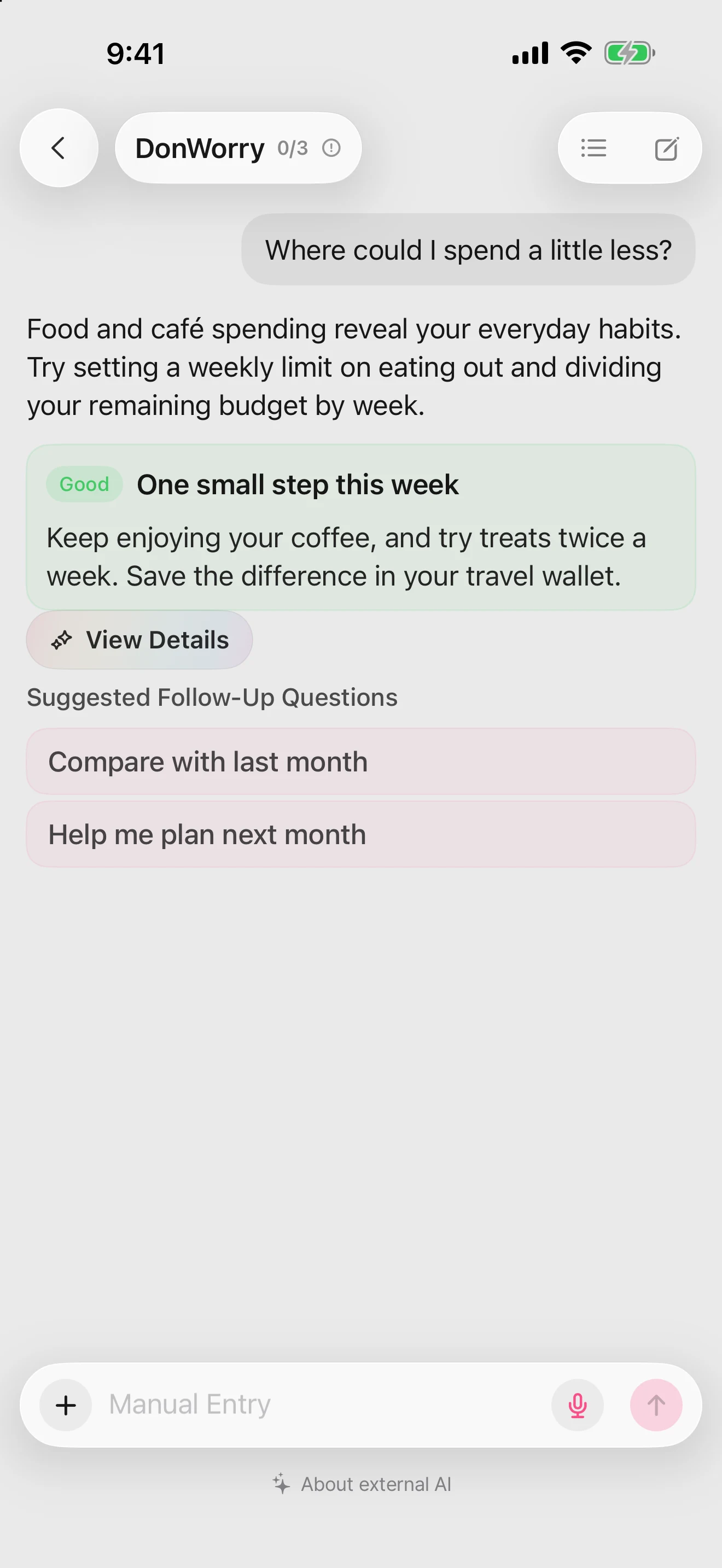
Yes. You can use manual entry and all the regular budgeting features. Features that use external AI, such as AI entry and DonWorry, require you to allow “AI data use” separately.
Take a photo or choose one to use AI entry. On the free plan, you can use it once a day, with camera and photos combined. Pro removes this limit.
The results may differ from the original, so please check the amount, date, currency, and whether it’s income or an expense.
In My Page, open “Entry Automations” and follow the Payment Message or Apple Pay guide to set up a Shortcuts automation. This feature is available with DonUp Pro.
A shortcut running isn’t the same as an entry being saved successfully. If you don’t see the entry, first check the run result and any error message.
After you allow “AI data use,” using the relevant features may send the text, selected photos or files, and budget information needed for analysis. This includes auto advice you’ve turned on after allowing it.
Transfers to Supabase in Singapore, and to OpenAI and Cerebras in the United States, are disclosed. You can find what each provider processes and how long it’s kept in the Privacy Policy.
Basic entries, budgets, recurring expenses, statistics, account sync, and automatic backup are free. Photo and camera AI entry is available once a day combined, and DonWorry 3 times a day.
Payment message and Apple Pay automation, unlimited photo AI entry, DonWorry 20 times a day, premium colors, and JSON backup and restore are among the Pro features.